Presentation Techniques – PowerPoint Essentials: When Software Mastery Becomes Your Competitive Edge
There’s a common misconception in almost every organization: presentation software is "just a tool." An application, a program, a technical solution that "everyone knows how to use." And on a basic level, that’s true. Most people can open a PowerPoint file, insert a few slides, place a chart, and export a PDF. That's where the journey ends for the average user.
But what lies beyond that is where the real difference is made. Because the competition today isn't about if you can use presentation software — it's about how well you use it.
A Brief Detour: How Presentation Software Became a Business Platform
The history of presentation software clearly shows how business communication has evolved. Early tools — slide projectors, overhead projectors — served a documentary purpose. The presentation was little more than a visual note. The breakthrough came in the 1980s with the arrival of Microsoft PowerPoint. From that moment on, visualization was democratized: anyone could create structured, visually supported content.
Later, new platforms emerged, like Prezi, which focused on narrative movement, or Google Slides, which prioritized collaboration. The trend was clear: the presentation was increasingly becoming a communication interface. But one thing has never changed: the software itself doesn't solve the problem. Your mastery of it does.
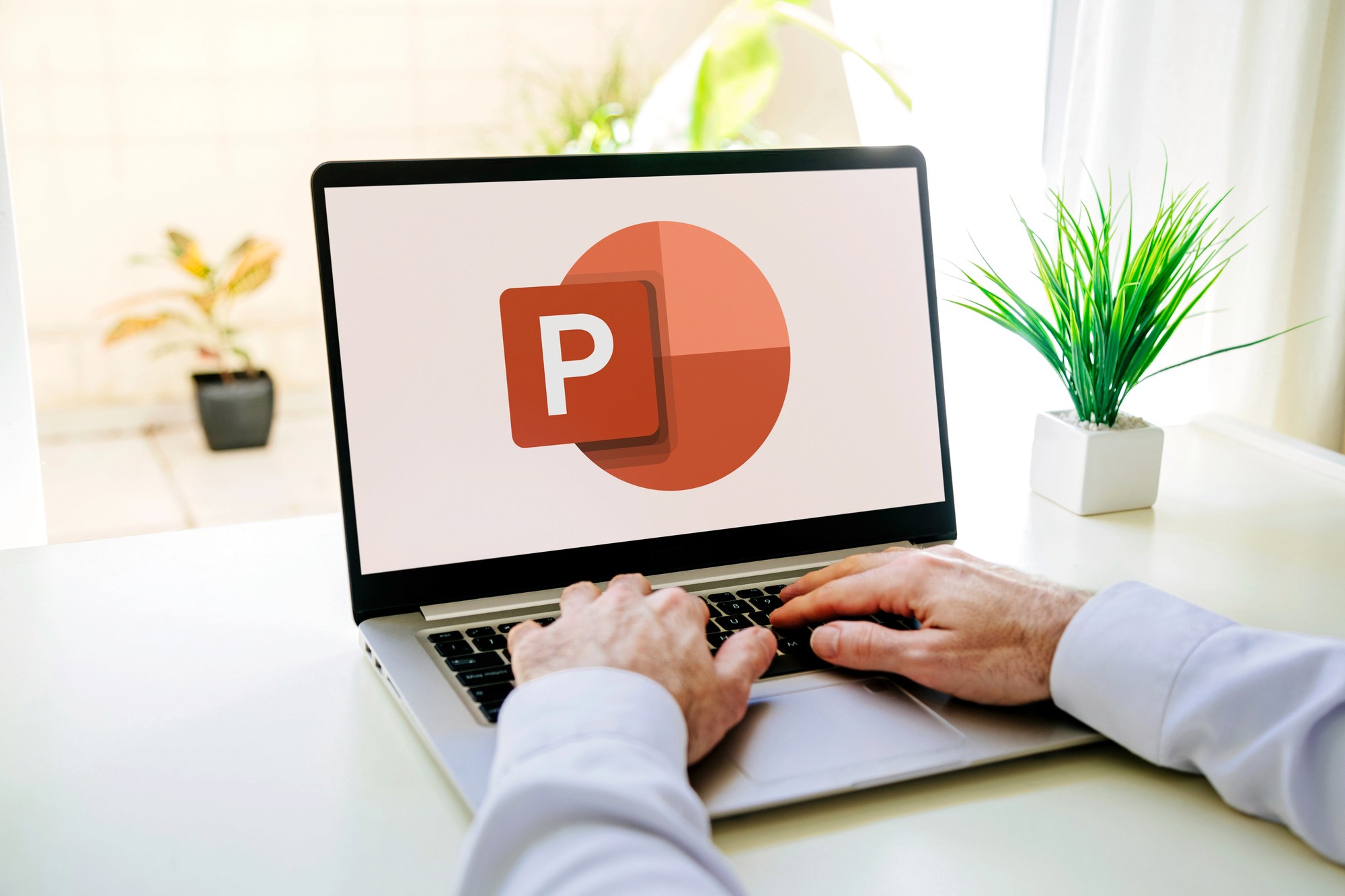
The Real Difference: Basic vs. Professional Use
Creating a presentation can take several hours on average, or even several days for more complex projects. In many organizations, this is a recurring weekly task. And this is where the key question arises: how much time is wasted during the creation of these presentations?
We all started as basic users: working slowly, formatting manually, not using templates, starting every presentation from scratch, and often creating an inconsistent visual appearance. Over time, more and more of us have become professional users who think in systems, automate processes, consciously use layouts, and can create consistent, on-brand materials in minutes. This evolution isn't about convenience; it's about embedding efficiency directly into your communication workflow.
Time, Energy, Money – The Invisible Costs
It’s a common experience that creating a presentation demands not only a lot of time but an equal amount of energy. The endless tweaking, the formatting battles, the constant mental loop of "Why doesn't this slide look right?"—it all creates a significant mental load. This stress isn't always visible, but it's real and constant. Inefficient software use slows down work, increases the number of errors, and the constant struggle with the software distracts from the actual business content.
In contrast, professional software use speeds up production, reduces errors, and frees up mental bandwidth. In other words, it saves not only time and money but also focus.
Corporate Identity: The Presentation as a Brand Surface
Most companies have recognized the importance of corporate identity on the web, in marketing materials, and on social media platforms. But presentations are often left out. The reality is that in a sales presentation, during a pitch, or at an internal corporate presentation, the slides are one of the brand's most important touchpoints.
A professionally designed presentation template, tailored to the corporate identity, creates a unified visual language, speeds up work, and guarantees brand quality. When you pair this with a team that confidently manages this system, your company doesn't just catch up, it gets ahead.
The Role of the PowerPoint Essentials Module
In most presentation trainings, there's a moment when participants realize: it's not a lack of creativity or ideas, but a lack of technical control. The Pitch Experts PowerPoint Essentials module is designed to fill exactly this gap. This training doesn’t just offer "tips"; it teaches a systematic way of thinking. It shows you how a professional slide is built, how layouts work, and how to work quickly and consistently. Participants not only become faster, but they also become more confident. And that confidence directly translates into the quality of their presentations.
Presentation Techniques in Practice: It's Technical, Too
When we talk about presentation techniques, many people primarily think of rhetorical or structural methods. But the word "technique" is also meant literally here. The technique of a presentation includes software use. In fact, visual aids — charts, icons, layouts — are powerful presentation tools in their own right. How you use them determines how understandable and quickly your content can be processed. However, you can't acquire these skills just by installing software; you have to learn them.
👉 Dive deeper into what separates mere tricks from the real techniques that command attention!
The 360-Degree Approach
The PowerPoint Essentials module is powerful on its own, but it works best as part of a comprehensive system. The Pitch Experts 360-degree presentation training builds this system. Storylining provides the logic of the message. Slidewriting defines the wording. Storytelling creates context. Presenting strengthens credibility. And PowerPoint Essentials ensures that all of this is realized quickly and professionally.
👉 I want to learn more about the Pitch Experts 360-degree presentation training!

Conclusion: When Software Becomes an Accelerator, Not a Bottleneck
The world of presentations today is faster and more deliberate than ever. You need to create higher-quality materials in less time. In this environment, software use is not a technical detail but a strategic factor. Those who recognize this and build a system around it don't just save time; they gain a competitive edge.
👉 I need more information about the Pitch Experts presentation training!
Ready to master the full suite of presentation skills? Contact our team today to discuss how our PowerPoint Essentials, Slidewriting, and Storytelling modules can be combined to turn you into a communication powerhouse.
👉 Talk to a Training Expert Today
👉 I'd like to see the Pitch Experts presentation Use Cases!

PowerPoint Master Template
GovRadar

Master Template
Mazars

Playbook
ZUCKER.
Storytelling & Animations
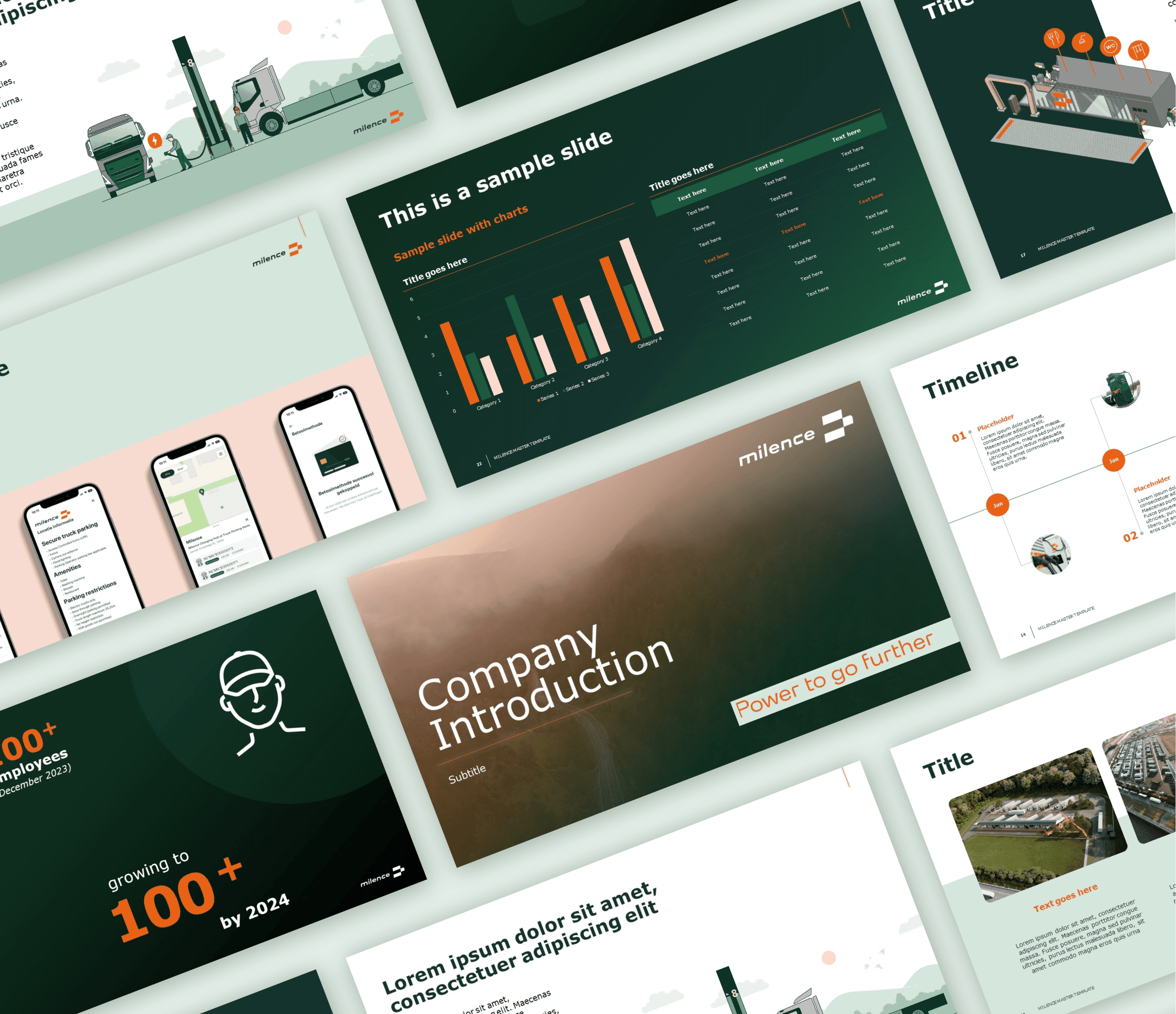
Milence
Master Template
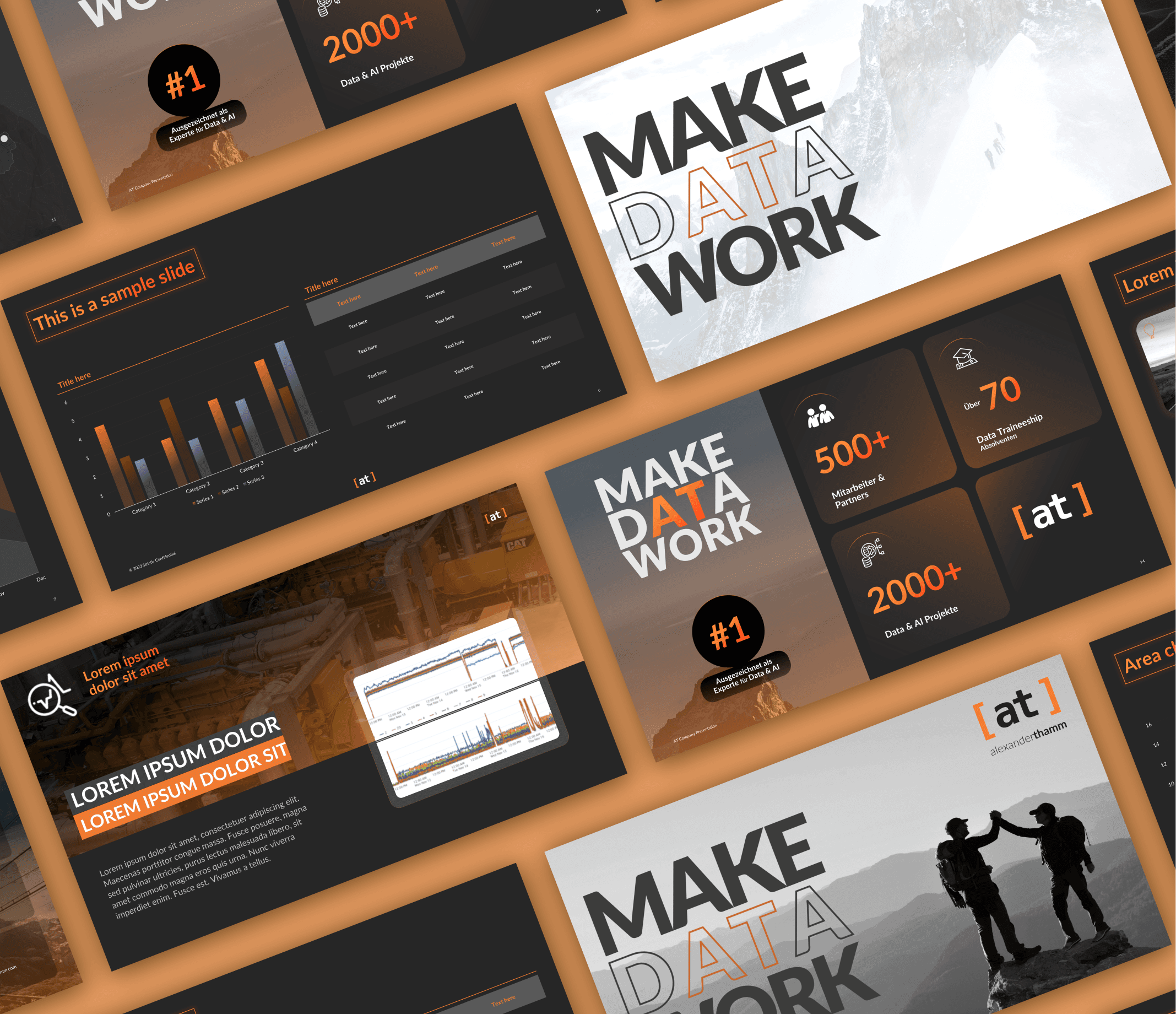
Alexander Thamm
PowerPoint Master Template + Company Presentation
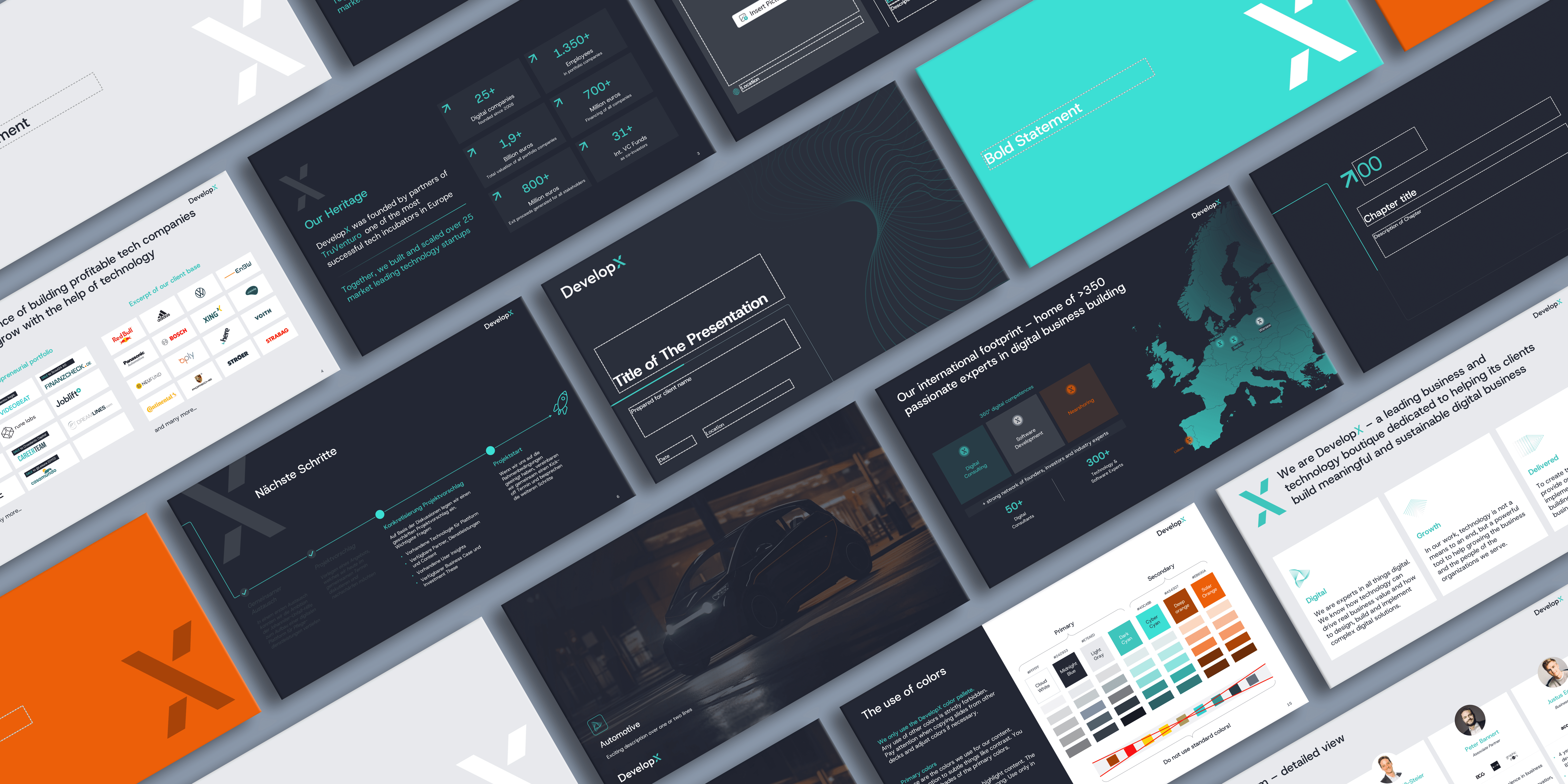
DevelopX

Master Template, Storytelling
Genioo

Investor Deck
Airtime
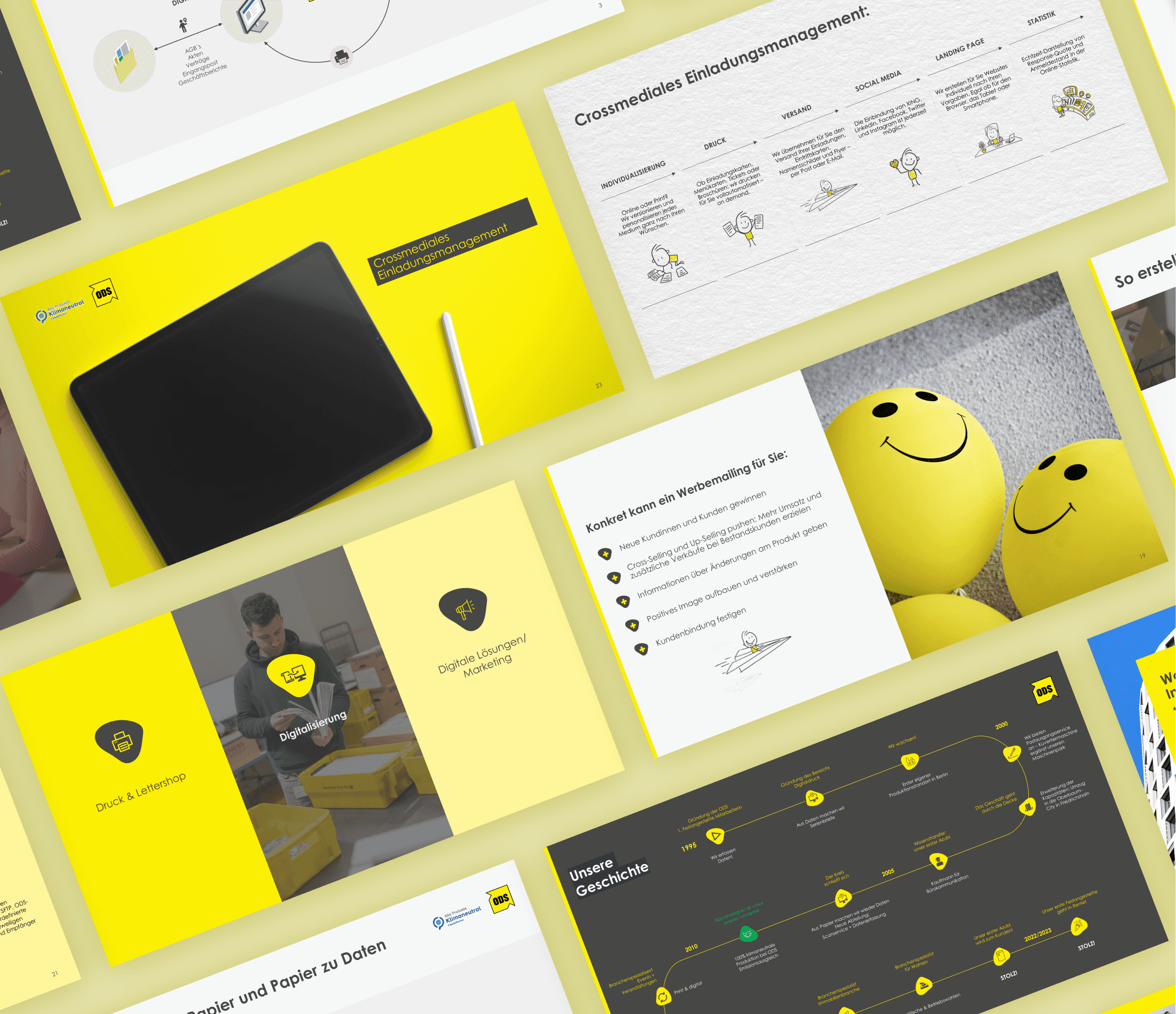
Storytelling & Playbook
Office-Data-Service
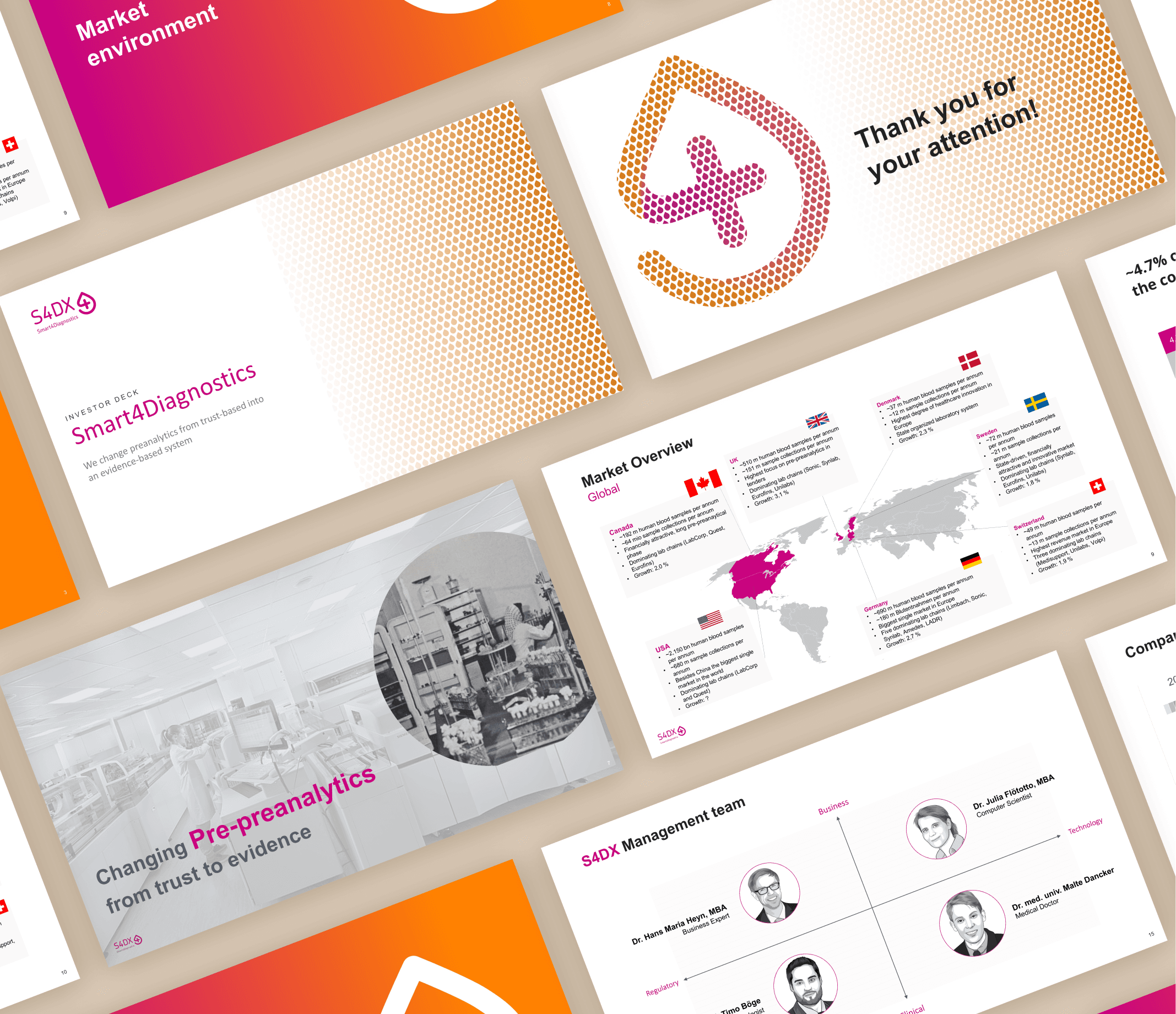
Investor Deck
Smart4Diagnostics
You might also be interested in these articles:
👉 Presentation Techniques: 5 Game-Changing Tips That Pros Use
👉 The Secret Sauce: 7+1 Game-Changing Presentation Techniques to Wow Any Audience
👉 10 Public Speaking Tips to Make Your Presentation More Than Just Pretty Slides
👉 Public Presentation Tips: 7 Ideas You Can Use Before Your Next Presentation
👉 How How to Give a Great Presentation: 6 Steps to Plan the Perfect Pitch
👉 How to Create a Sales Pitch?
👉 Airbnb Pitch Deck – From Air Mattress to Global Brand
👉 The Uber Pitch Deck: Lessons from the Startup Wild West